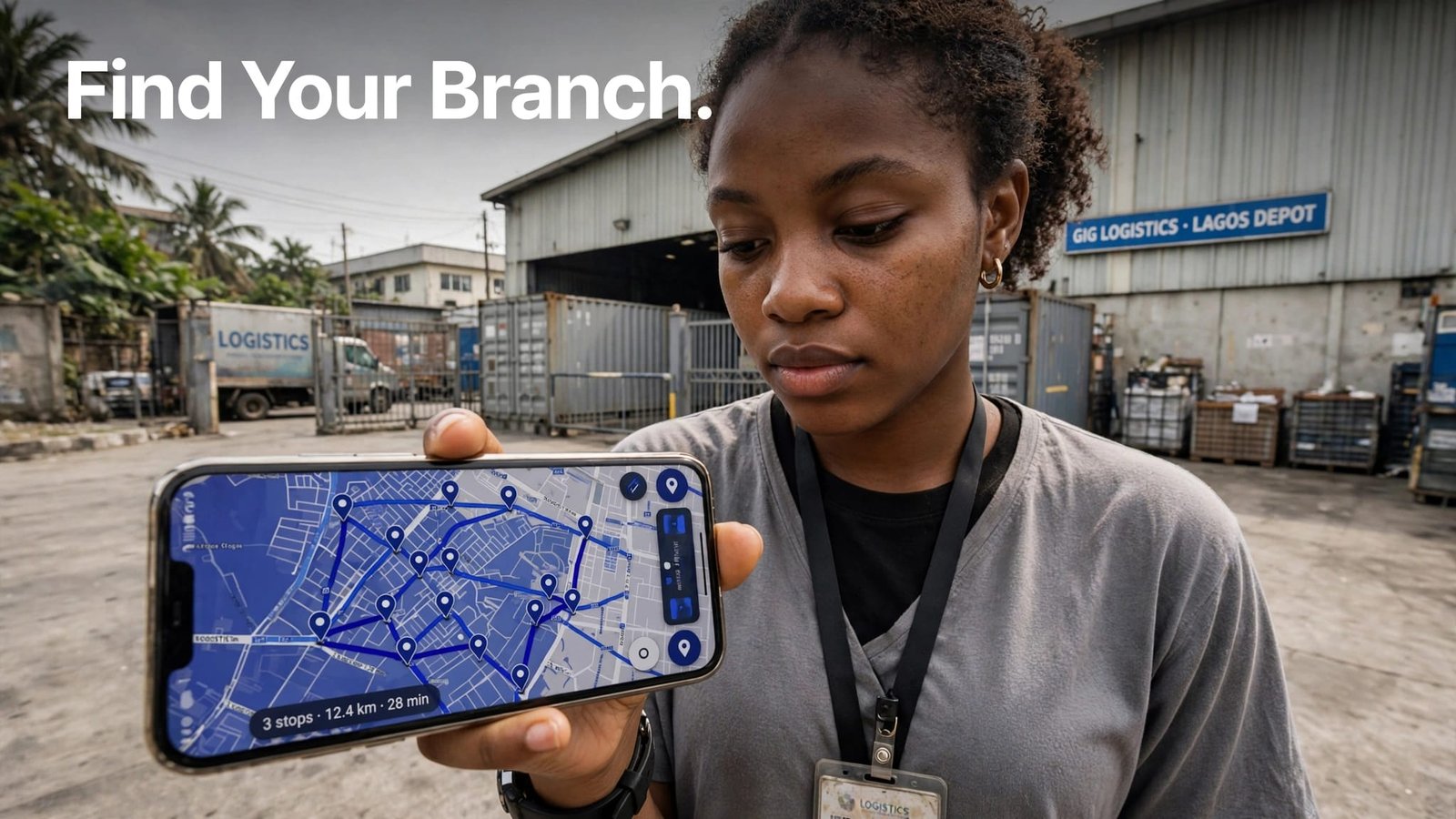
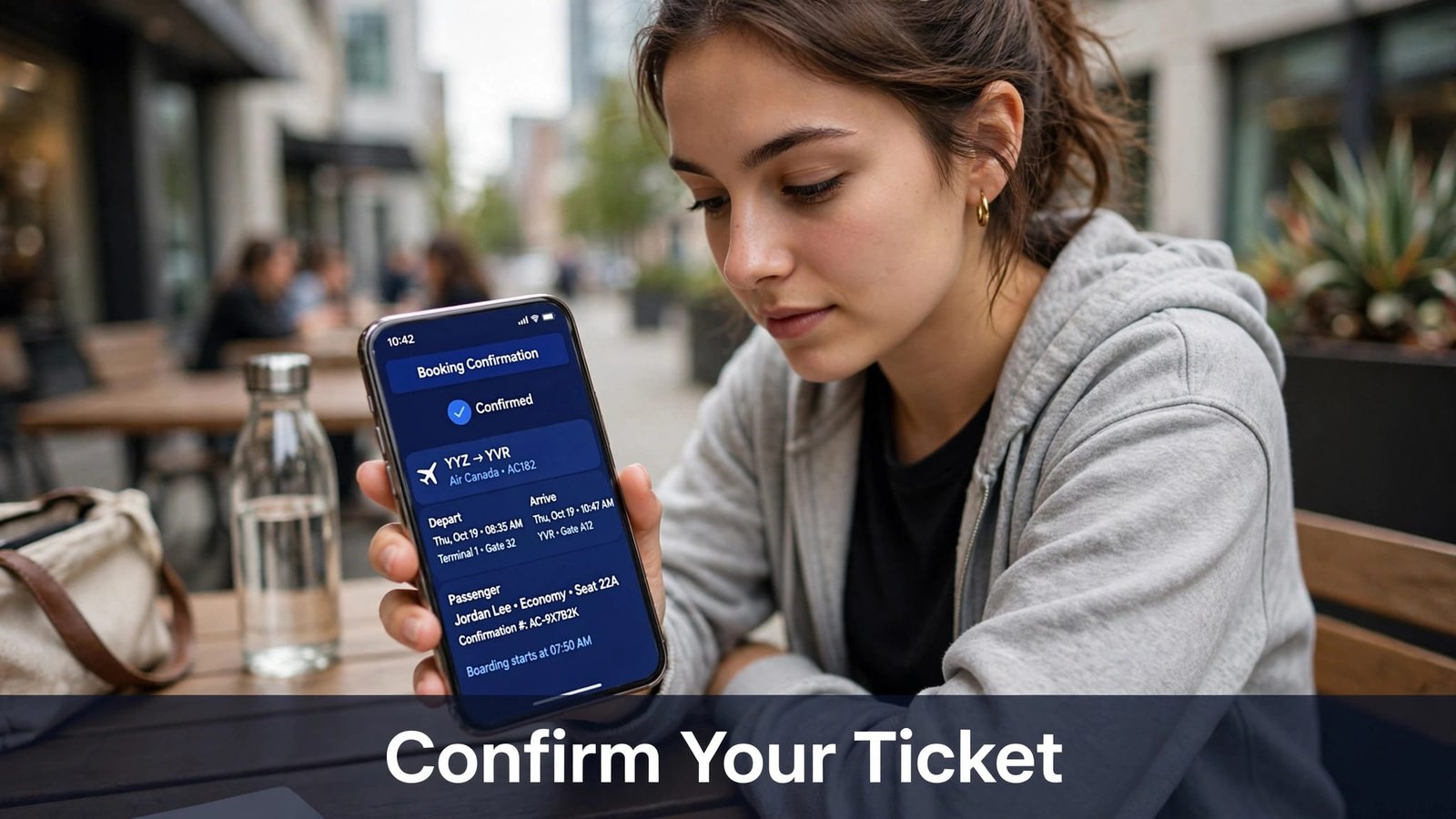
In Lagos and elsewhere in Nigeria, Delivery Tracking Links show recorded courier scans, not a live view of a parcel’s current location or its exact arrival time. Use the tracking code to open the correct link.
Updates depend on the courier, service, and when the parcel is scanned. Send the correct link, explain what a status confirms, and give the recipient a useful next step if the tracking page stops changing.
Key Takeaways
- A tracking link usually shows recorded shipment events, not a continuous map. An estimated delivery date isn’t a delivery guarantee.
- Send the correct courier link and shipment reference after the parcel is registered or accepted.
- DHL Express Nigeria uses a 10-digit waybill number; FedEx Nigeria specifies a 12-digit tracking number.
- Scan timing and notification options vary by courier, service, and shipment. An “out for delivery” scan shows a route stage, not a guaranteed arrival time.
- If a status looks wrong, use the courier’s official page and contact the sender or courier through a known channel.
How Delivery Tracking Links Keep Customers Informed
A tracking link connects a customer to updates recorded by the courier for a consignment. The page reports its shipping status through events such as dispatch, facility scans, transit progress, customs processing, or delivery.
Enter the courier-issued tracking code on its website to track an item through recorded updates. Start tracking once the courier accepts the parcel, since label creation alone may not produce scan updates. If a seller calls it a shipping code, confirm it matches the identifier the courier accepts.
That reduces uncertainty, but only within limits. A scan records an event at a particular time. It may not show the parcel’s current location or give an exact arrival time.

What Common Tracking Statuses Actually Tell You
“Shipment information received” can mean the sender created a label or submitted shipment details. It doesn’t necessarily mean the courier has collected the parcel. A collection scan gives stronger evidence that the parcel entered the courier’s network.
“In transit” can cover several stages, such as movement between facilities or processing before the next leg. “Out for delivery” usually means the parcel is on a delivery route. A “delayed” status reports a change or hold, while “delivered” records a delivery event. A “package on hold” status may mean the courier has paused movement, so check its explanation for the reason and any action needed.
Courier wording and scan frequency differ. Treat the status as the latest recorded information, not a live view. If a parcel is marked delivered but you don’t have it, follow up rather than assuming the status identifies who received it.
What Nigerian Courier Tracking Can Show
DHL Express Nigeria uses a 10-digit waybill number. Its tracking page can show shipment events, and DHL says events usually appear 24 to 48 hours after it receives the tracking ID, once the shipment reaches a DHL facility. That is a tracking-update window, not a delivery estimate. See DHL Express tracking in Nigeria and the DHL Nigeria tracking page.
FedEx Nigeria’s instructions specify a 12-digit tracking number. Its tracking page also lets you search by a reference number. Use the number supplied for your shipment, since one courier’s format won’t work on another courier’s page. Open FedEx Nigeria tracking to enter the shipment details.
Send Tracking Updates Customers Can Act On
Send the tracking link with the order or dispatch message, not as an unexplained URL. Before sending it, confirm the tracking number and destination page match the courier and parcel. Keep the message plain with package information: the courier, tracking reference, and expected delivery range for when the parcel should arrive. Give the recipient a way to get help, such as the sender name and sender’s email. Add the sender’s address only if the courier’s form or return process requires it.
Avoid promising a delivery hour unless the courier has supplied one for that specific shipment. If you use a local operator, your guide to courier services in Lagos can help you compare delivery arrangements before dispatch.
Food orders follow the same rule. A food app may show a rider on a map, while a restaurant’s own dispatch may only show a status. Our guide to food delivery in Lagos explains how app fees, rider availability and bike restrictions affect the time you can reasonably promise.
Choose the Right Time and Channel for Each Update
Send the link after the courier has accepted or registered the parcel. A label may exist before a first scan, so sending the link too early can leave the recipient looking at a blank page with no explanation.
Email, SMS, messaging apps, and an order page can all carry updates. Choose a channel the recipient can access, then ask them to confirm their contact details and preferred method. If email is the chosen update channel, confirm the receiver’s email address. Share meaningful changes, such as a recorded delay, a delivery attempt, or a scan that marks the parcel out for delivery, instead of forwarding every routine scan without context.
Notification features depend on the courier and shipment. DHL Express On Demand Delivery lists options such as email and SMS notifications, but availability varies. DHL’s Nigeria delivery options describe the service; don’t assume it is active for every parcel.
Make Delivery Instructions Easy to Find
Put the recipient’s name, tracking reference, courier name, expected delivery range, and a way to contact the sender in one message. If the recipient will need to answer a call or meet a rider, say so clearly. If the courier asks the recipient to pick up the parcel, include the collection location and any reference they need. A useful dispatch message reduces repeated calls when the courier is already on the way.
Before dispatch, confirm receiver details, including the receiver’s address, phone number, nearby landmark, and access instructions. Confirm the dispatch location and delivery destination on the booking. “Lekki” or “Ikeja” alone may not identify a building or entrance. If a gate code, business name, or alternate contact matters, include it in the delivery instructions and keep a copy of the receipt or waybill. For shipping choices and handover details, see our guide to package and parcel delivery in Lagos.
Fix Tracking Problems and Protect Customer Information
A missing scan doesn’t by itself show that a consignment is lost. First compare the reference with the sender’s receipt, then confirm whether the courier has received the parcel. If the page reports a delay, customs issue, or request for information, contact the courier through a known official channel.
Tracking pages can expose shipment details. DHL Express tracking may show location and timestamps, and its delivery record can include a signer’s name. Share the link only with the intended recipient or someone helping receive the parcel. For help comparing operators, use our overview of best courier companies in Lagos.
What to Do When a Link Shows No Update
Start with the shipment ID. Ask the sender to compare every digit against the waybill or receipt, then confirm when the courier collected or registered the parcel. If the link opens an inactive tracking page with no usable update, open the courier’s official tracking website or app independently and enter the shipment ID there.
Allow for the provider’s processing time. For example, DHL says tracking events usually appear 24 to 48 hours after it receives the tracking ID. That timing is DHL-specific; don’t apply it to every courier. If the page remains inactive beyond the courier’s stated period, contact the sender or courier and provide the shipment ID, dispatch date, and receipt details. Follow up if the parcel hasn’t arrived by the courier’s stated delivery range.
Spot Suspicious Tracking Messages
Be cautious if an unexpected message demands payment, uses a misspelled website address, threatens immediate consequences, or asks for your password or one-time code. A valid shipment ID in the message doesn’t prove that the link or payment request is genuine.
Don’t open an unexpected link to investigate. Go to the courier’s official website or app yourself and enter the shipment ID. If the shipment page shows a customs request or charge, contact the courier through a channel listed on its official site before sharing payment or personal information.
Frequently Asked Questions
Can a tracking link show a driver’s live location?
That depends on the courier and service. A sequence of scan events is different from a live map, so read what the tracking page actually displays and use its stated delivery estimate rather than assuming you can follow a driver in real time.
Why does my tracking link say the shipment is not found?
A typing error, a newly created label, or a delay before the first scan can produce that message. Ask the sender to compare the number with the receipt, then enter it on the courier’s official page. If the parcel was already handed over, contact the sender or courier with the dispatch details.
Can I share a tracking link with someone else?
You can share it with a household member or another person who will receive the parcel. The page may reveal shipment details, so send the link only to someone involved in the delivery, not to a public group or an unrelated contact.
What should I do if a delivery status says delivered but I have no parcel?
Ask household members or reception, and check the delivery address and any usual drop-off point. Then contact the courier and seller promptly. Request the delivery record or proof of delivery where available, since the status alone doesn’t tell you who has the parcel.
Do all couriers send SMS or email tracking alerts?
No. Alerts depend on the courier, shipment, destination, and sender settings. Ask which options are available for your parcel, and don’t assume you’re enrolled simply because a tracking link works.
Keep the Tracking Message Clear
A tracking link is useful when the reference is correct and the recipient knows what the updates can confirm. Scans describe recorded events; they don’t always show a parcel’s current position or guarantee an arrival time.
Before dispatch, check the reference, the recipient’s contact details, and the delivery instructions. If the scan or delivery record doesn’t match what happened, contact the sender or courier promptly with the waybill and receipt.